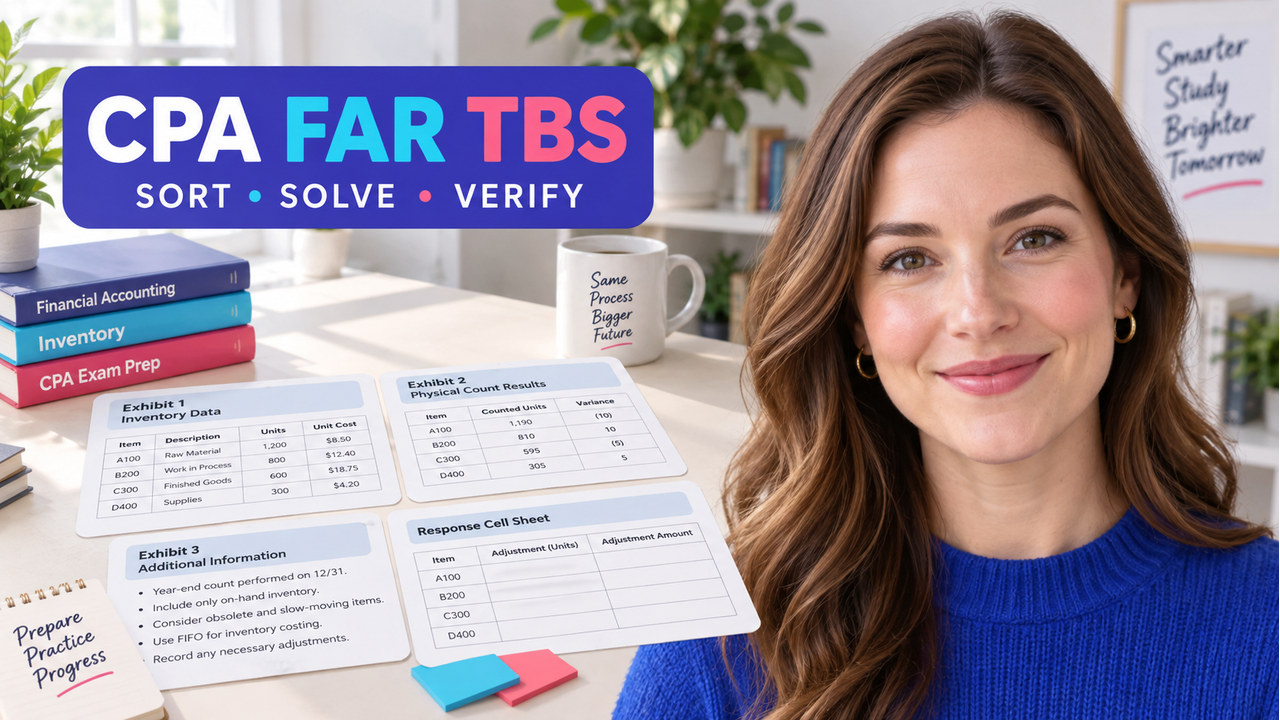

Quick answer: The best cpa far task based simulations practice connects four things in one pass: the task request, the exhibit facts, the current accounting rule, and the response cells. Use the sequence FRAME → SORT → ANCHOR → CALCULATE → VERIFY. First state what the task asks. Next, sort each number by purpose and unit, anchor the measurement to current literature, calculate before typing, and verify both the amount and the rationale.
This walkthrough is for a FAR candidate who loses the thread when a simulation combines exhibits and several outputs. The case is original editorial practice, not an official or provider exam item. For broader navigation, use the FAR review hub; for separate original questions, use the FAR practice questions page.
What do CPA FAR task based simulations test?
A FAR task-based simulation asks you to make a bounded accounting decision with more context than a single multiple-choice stem. You may need to open exhibits, identify the relevant date and measurement basis, research a source, complete calculations, and place results into labeled cells. In other words, the challenge is not just knowing a rule. It is preserving the chain from fact to rule to output while distractions compete for attention.
The current AICPA Blueprint organizes content by Area, Group, Topic, task statements, skill levels, references, item types, and weighting. Meanwhile, its FAR layout lists two 25-question MCQ testlets followed by TBS testlets of 2, 3, and 2 tasks. Treat that as a preparation boundary, not a form prediction. The AICPA sample test helps with software and navigation, but it is not a readiness determination; pair it with original work that exposes your reasoning.
How cpa far task based simulations build transfer
Use cpa far task based simulations to practice the handoff from a topic label to an evidence-producing answer. A clean first pass shows recognition; a changed exhibit shows whether the rule still controls when the facts move.
Use the FAR TBS FRAME-to-VERIFY method
In practice, use the five stages below before you touch the final response cells. The stages are short enough for timed practice, but detailed enough to leave an audit trail when the answer is wrong.
- FRAME: rewrite the task as a question and list the requested outputs. Include the reporting date, measurement basis, and units.
- SORT: label each exhibit fact as input, rule clue, date, distractor, or cross-check. Do not calculate until every number has a role.
- ANCHOR: name the current authoritative source and the boundary it controls. For technical FAR work, open the relevant FASB literature rather than relying on a memory shortcut.
- CALCULATE: show the formula, substitute the facts, preserve units, and carry the result into the requested cell. Keep intermediate values visible.
- VERIFY: compare the output with the measurement rule, recheck signs and units, explain one excluded distractor, and retry after changing one fact.
Notice the order. Research comes after the task has been framed and the facts have been sorted. Therefore, an open-ended search is less likely to replace the actual question. Similarly, verification includes a rationale because a correct number reached for the wrong reason may fail as soon as one exhibit changes.

Run the original Juniper Works FAR simulation
Practice boundary: All company names, facts, amounts, labels, and answer logic in this mini-simulation are original. Use the current FASB Accounting Standards Codification to verify the applicable inventory guidance. The purpose is to practice the workflow, not to imitate an official exam item.
CPA FAR task based simulations: FRAME the task
Juniper Works uses FIFO for a finished-goods inventory category. At the reporting date, management asks you to determine the inventory carrying amount and any required write-down under the stated measurement model. The task has three numerical outputs and one explanation: calculate net realizable value (NRV), calculate the carrying amount, calculate the write-down, and explain why one tempting input is not used.
Write the request in one line: Using the stated FIFO measurement basis and current-date facts, determine NRV, compare it with cost, record the carrying amount, and explain the excluded market datum. That sentence is your frame. If a number does not help answer it, do not let the number lead the calculation.
CPA FAR task based simulations: SORT the exhibits
Exhibit A contains the following facts:
- Inventory cost: $68,000.
- Expected selling price: $74,000.
- Costs to complete: $3,000.
- Selling costs: $5,000.
- Replacement cost shown as a supplemental market datum: $65,000.
Next, sort the first four numbers as calculation inputs. Mark replacement cost as a distractor for this stated exercise because the task gives you a FIFO inventory measurement basis and asks for the current carrying amount under that basis. Do not erase the distractor. Keep it visible and write why it is excluded; that explanation is part of the skill.
CPA FAR task based simulations: ANCHOR the rule
Then, open the current inventory guidance and confirm the measurement boundary that applies to the stated facts. For this original exercise, use lower of cost and NRV for the FIFO inventory category. The research note should contain three parts: the inventory method stated in the task, the current source you checked, and the sentence that connects the source to the requested output. If your source review reveals a different scope, stop and revise the premise before calculating.
Calculate the Juniper Works response cells
CPA FAR task based simulations: calculate NRV
First, use the inputs that define expected recoverable proceeds:
NRV = expected selling price − costs to complete − selling costs
NRV = $74,000 − $3,000 − $5,000 = $66,000
Therefore, keep the unit in every line. NRV is not the same as selling price because the remaining completion and selling costs reduce the amount expected to be realized.
CPA FAR task based simulations: compare cost with NRV
Compare the inventory cost of $68,000 with NRV of $66,000 under the stated measurement model. The lower amount is $66,000. Therefore, the carrying amount goes into Cell 2 as $66,000.
CPA FAR task based simulations: calculate the write-down
The write-down is the excess of cost over the selected carrying amount:
Write-down = $68,000 − $66,000 = $2,000
As a result, the sign and direction matter. Cost is higher than the selected carrying amount, so the exercise produces a $2,000 reduction. If your practice interface asks for a positive adjustment amount, enter 2,000 and label it as a write-down. If it asks for a signed journal-entry effect, follow the cell instruction instead of assuming every cell uses the same sign convention.
CPA FAR task based simulations: write the rationale
A concise rationale is: Use the stated lower-of-cost-and-NRV measurement for the FIFO inventory category; the carrying amount is $66,000 because it is below cost, and the replacement-cost figure is not an input for this stated calculation. This sentence proves that you used the task’s measurement basis rather than selecting the smallest number on the page.
CPA FAR task based simulations: VERIFY with a changed fact
Finally, change only selling costs from $5,000 to $2,000. Recalculate:
New NRV = $74,000 − $3,000 − $2,000 = $69,000
Now $68,000 cost is below $69,000 NRV, so the carrying amount is $68,000 and the write-down is $0. The rule did not change. One exhibit fact changed, so the output changed. That is transfer evidence: you are applying the measurement method rather than memorizing the original answer.
Run the FAR TBS response-cell check
Before reviewing the answer, mark only the statements you can support. The first unchecked line is the next repair: framing, exhibit sorting, source research, calculation/sign, or transfer practice.
Save the record as task → exhibit map → source → formula → response cell → changed-fact result. It shows which link produced the answer.
Avoid common FAR simulation mistakes
Starting with the most familiar number
Replacement cost may look authoritative because it has a market label. However, the task’s measurement basis decides whether it belongs in the calculation. First write the basis, then classify the number.
Searching before writing the output
An open-ended search can produce several nearby rules. Instead, write the requested cell and date first, then open the source to answer that bounded question.
Typing the final amount before showing the work
A response cell without an intermediate formula is difficult to diagnose. Keep the work visible, preserve units, and recheck whether the cell wants an amount, rate, classification, or explanation.
Treating a correct original answer as full mastery
Change one fact after the first pass. If the answer changes for the right reason, you have evidence of transfer. If it does not, repair the measurement boundary before moving to a new topic.
Confusing practice percentages with official scores
Instead, use practice accuracy to diagnose workflow, not to translate directly into a CPA score. NASBA describes weighted MCQ and TBS components and a scaled 0–99 score; a reported 75 is not 75% correct.
Choose the next FAR resource
When framing was weak, start with the FAR study guide and write the output for one topic. If the rule anchor was weak, keep the case fixed and open current literature. For exhibit-mapping issues, use the TBS format guide for navigation and response fields. For more repetitions, use the FAR practice questions page. Return to the FAR review hub when you need to choose the next resource, not to avoid repairing the first unsupported step.
Make the next action narrow: “I will complete one original TBS with five labeled cells, verify the source, and retry after changing one fact.”
CPA FAR task-based simulations FAQ
Are these official CPA FAR simulation questions?
No. The Juniper Works case is original editorial practice and does not reproduce official or provider exam wording. Use official AICPA resources for current Blueprint and interface boundaries, and current literature for technical conclusions.
Should I research every line of a FAR simulation?
No. Frame the task first, sort facts second, and research the specific measurement or reporting boundary that controls the requested cell. That sequence keeps research focused and makes your source note auditable.
What should I do when my calculation is right but the answer is still wrong?
Check the measurement basis, units, reporting date, sign convention, and cell instruction. Then identify whether a distractor entered the formula. Finally, change one fact and retry; the changed-fact result often reveals which assumption was unsupported.
How should I use an official sample test?
Use it to learn the navigation, exhibit controls, calculator, and spreadsheet-style workflow. It is not a complete readiness test, so pair it with original cases that require you to explain the rule and the response-cell logic.
Next action: redo the Juniper Works case without looking at the answer, record the five response cells, change one exhibit fact, and then use the first unchecked line to choose your next FAR study task.
Sources and refresh note
Current scope and FAR testlet layout: AICPA CPA Exam Blueprints. Interface and sample-test boundaries: AICPA sample tests and AICPA CPA Exam FAQ. Scoring-language boundary: NASBA CPA Exam Scores. Technical research: FASB Accounting Standards Codification. Format orientation: AICPA retired FAR TBS resource. Checked September 18, 2026. Reopen the live official pages and current literature before using a dated plan or technical conclusion. The simulation, calculations, checklist, and FRAME-to-VERIFY method are original study guidance.