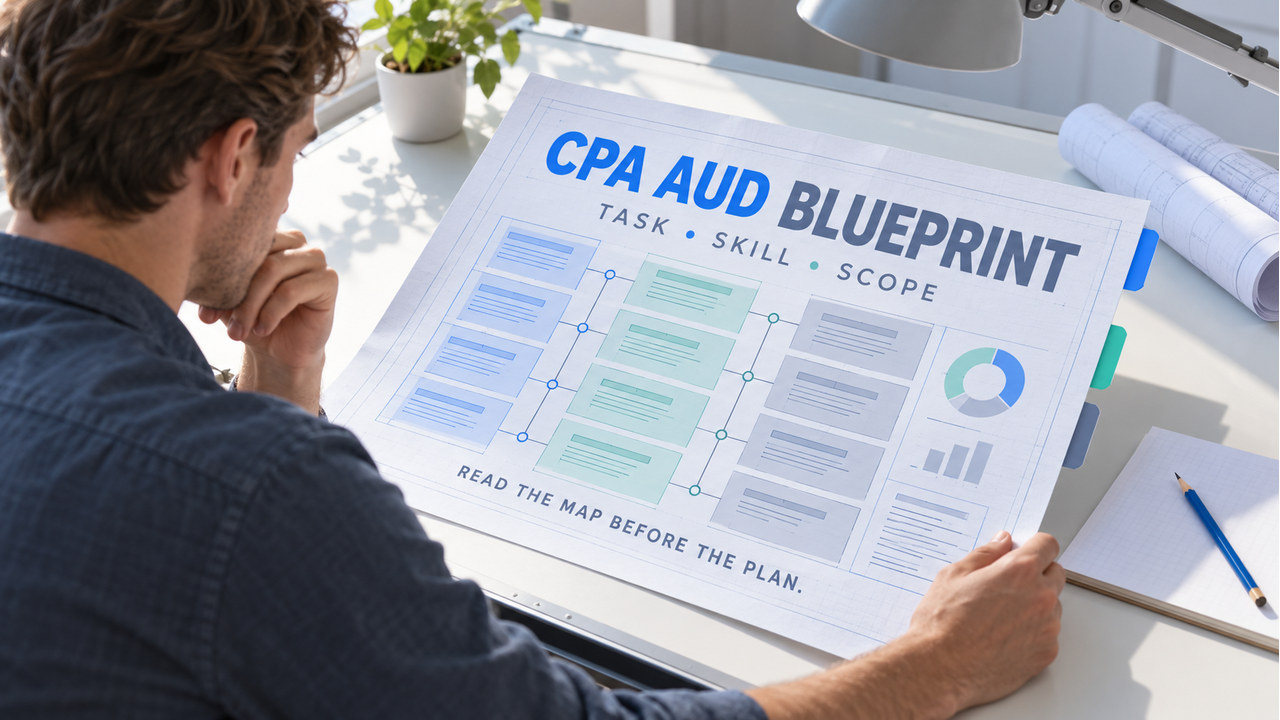

Direct answer: The cpa aud blueprint is the current map of what AUD can test and how task statements, skill levels, references, and item types fit together. Read one row before choosing a chapter or question set. Then turn that row into a short study brief with a boundary, a practice choice, and one proof artifact.
Scope and freshness note: This is original editorial guidance, not a replacement for the official Blueprint. Reopen the AICPA CPA Exam Blueprints for the testing window that applies to you. Use the AICPA AUD resources for subject boundaries. For jurisdiction, eligibility, scheduling, or score administration, consult the NASBA FAQ. Editorial review covers Blueprint reading logic and source QA. No personal licensure claim is asserted.
For section orientation, open the AUD review hub. Use the CPA Exam Blueprint format guide when the row fields are unfamiliar. The AUD review overview supplies a broader map, the AUD review-course guide helps with format decisions, the topic MCQ page supports focused retrieval, and the TBS practice guide supports exhibit-based work.
CPA AUD Blueprint: what it is
A Blueprint is a planning document, not a chapter list. It identifies the section, areas, task statements, skill context, references, and item types that shape the work. As a result, a good study plan begins with a row and a decision, not with the largest review-course folder.
The cpa aud blueprint also has a boundary. It describes the tested map; it does not provide a personal calendar, guarantee a question mix, or predict an individual score. Treat the current official file as the source of scope. Treat your study brief as an interpretation for one next action.
First, save the version or testing-window note that applies to you. Then reopen the official file whenever you build a new plan. Dates, task language, references, and administration details can change, so an old screenshot should not become your only source.
Read one Blueprint row before choosing materials
Choose one row and read its fields together. A task statement without its area can feel broader than it is. A skill label without the task can lead you to choose the wrong depth. An item type without the task can turn practice selection into guesswork.

Start with section and area
Confirm that the row belongs to AUD and note the area that frames the task. The area is a navigation signal. It helps you find the right supporting material, but it is not a reason to study every neighboring topic at the same time.
Write one boundary sentence: “This row asks me to decide ______ within ______.” Leave the blank narrow. If you cannot complete it, return to the official Blueprint and read the task statement again.
Use the task statement as the decision verb
Task statements tell you what the learner may need to do. Look for the action hidden in the wording: identify, evaluate, determine, explain, or another task-specific verb. Your study brief should preserve that action. Reading a row as a topic noun is less useful than reading it as a decision.
For example, a row about evidence should become a question about fit, support, or conclusion rather than a request to memorize every evidence term. Keep the example original and use the official row only for scope.
Read skill level and item type together
The skill context helps you decide how deeply to work the row. A recognition task may need a clean retrieval note. A judgment or application task may need a reason, a distractor analysis, or a changed fact. Item type adds another planning signal because MCQ and TBS work require different artifacts.
Do not use a skill label as a promise about an exact question. Use it to choose a proportionate practice response. Then save what you did so the next review can test the same demand.
Use references as a verification boundary
References help you reopen the authoritative material behind the row. They do not mean that a study note should reproduce a standard or substitute for professional research. When a rule is time-sensitive or jurisdiction-specific, reopen the official source and record the date or scope that applies.
Turn the Blueprint row into a study brief
A useful brief has five fields: task, boundary, skill demand, practice format, and proof to save. First, the task names the decision. Next, the boundary names what is inside and outside. Then, the skill demand controls depth. After that, the format chooses MCQ or TBS work. Finally, the proof shows what you can explain after the attempt.

Keep the brief on one page. If it needs a full chapter outline, the row has not been narrowed enough. A short brief is easier to reopen, compare, and correct when the first practice attempt reveals a missing field.
- Task: write the action in your own words.
- Scope: name the included decision and one postponed neighbor.
- Skill: choose recall, application, explanation, or analysis depth that fits the row.
- Format: choose a focused MCQ decision or an exhibit-based TBS task.
- Proof: save an explanation, distractor note, workpaper trace, or changed-fact result.
Original Cedar Gate row-to-plan example
The following example is original study material, not an official item. Imagine a candidate reading a current AUD row that involves evaluating evidence for a defined assertion. The candidate does not copy a provider question. Instead, the candidate writes the task as “decide which evidence best supports the assertion and explain why the closest alternative is weaker.”
The boundary note says that the session will compare evidence fit for one assertion. It will not cover every audit procedure, report type, or documentation rule. In addition, the skill note calls for an explanation, not only recognition. The format choice is one focused original decision followed by a short changed-fact retry.
During the attempt, the candidate records the assertion, the evidence selected, the controlling fact, and the reason the nearest option fails. Afterward, the candidate changes one fact about timing or source reliability and checks whether the conclusion should move. That changed-fact note is the proof artifact.
Cedar Gate is useful because the Blueprint row remains the anchor while the study material stays original. If the candidate cannot state the boundary, the next action is a Blueprint reread. If the boundary is clear but evidence fit is weak, the next action is a narrower assertion drill. The row does not dictate one provider or one calendar.
Use the Blueprint for MCQ and TBS planning
Use the row to choose the work product. For a focused MCQ-style decision, read the ask first, identify the controlling fact, and explain why the nearest distractor fails. For a TBS-style task, trace the exhibit, mark the relevant line, and show which field or conclusion changes. Therefore, the item type becomes a practice choice rather than a label you merely copy.
In either format, preserve the row boundary. A TBS task is not a reason to open every audit topic. An MCQ drill is not complete merely because the selected answer is correct. The Blueprint gives the demand; your proof artifact shows how you responded.
Review and update your CPA AUD Blueprint brief
Review the brief after one focused attempt. Start by asking whether the task boundary held. Next, check whether the practice depth matched the skill demand. Finally, ask whether the saved proof explained the conclusion or only recorded the answer.
After a failed boundary, reopen the row and remove a neighboring topic. If the depth is too light, add an explanation or changed-fact check. With thin proof, rewrite the reasoning before collecting more questions. Finally, update the brief only when the evidence shows that the next action changed.
Reopen the official AICPA Blueprint before reusing the brief for a different testing window. For administration questions, use NASBA and your state Board. The local brief is a study aid, not an official amendment or score report.
Common CPA AUD Blueprint mistakes
- Reading the area as the whole syllabus: narrow the work to one task statement.
- Ignoring the action verb: keep the row’s decision demand in the study brief.
- Using the skill label as a question prediction: use it to choose depth, not to invent an exact item.
- Choosing format before reading the task: let the item type and task together guide MCQ or TBS practice.
- Saving only a score or answer: save the explanation, evidence fit, workpaper trace, or transfer note.
- Keeping an old screenshot as authority: reopen the current official source before reuse.
Choose the next Blueprint action
Look at the row you want to study. Choose the earliest missing field before adding another topic.
Choose the next Blueprint action
Look at the row you want to study. Is the missing piece the task boundary, the skill demand, the practice format, or the proof you will save? Choose the earliest missing field.
- Identify the facts
- Choose the governing rule
- Check the result
Check your reasoning
Answer: Use the Blueprint row for the boundary, write a skill-matched action, choose MCQ or TBS practice from the item type, and save one explanation or transfer note as proof.
Use the explanation in this article to verify each step.
Use the row for the boundary, write a skill-matched action, choose MCQ or TBS practice from the item type, and save one explanation or transfer note as proof.
CPA AUD Blueprint checklist
- Open the current AICPA CPA Exam Blueprint for your testing window.
- Select one AUD row and confirm its section and area.
- Rewrite the task as a decision verb.
- Write one included boundary and one postponed neighbor.
- Choose practice depth from the skill context.
- Choose MCQ or TBS work from the item type and task.
- Save one explanation, evidence note, workpaper trace, or transfer result.
- Reopen the official source before reusing the brief.
The practical use of a cpa aud blueprint is simple: read one row, write one brief, choose one matching practice action, and save proof of what you learned. That keeps the official map authoritative while making the next study step concrete.
CPA AUD Blueprint FAQ
What is the CPA AUD Blueprint?
It is the current AICPA map of AUD tested content, task statements, skill context, references, and item types. Reopen the version for your testing window.
How should I study from one Blueprint row?
Turn the row into a short brief with a task boundary, skill-matched depth, MCQ or TBS format, and one proof artifact.
Does the Blueprint predict exact CPA questions?
No. It defines scope and planning signals. It does not promise an exact question, personal score, or pass outcome.
Should I use the Blueprint for MCQs and TBSs?
Yes. Use the task and item type together, then create the artifact that fits the format: a distractor explanation for a focused decision or a workpaper trace for exhibits.