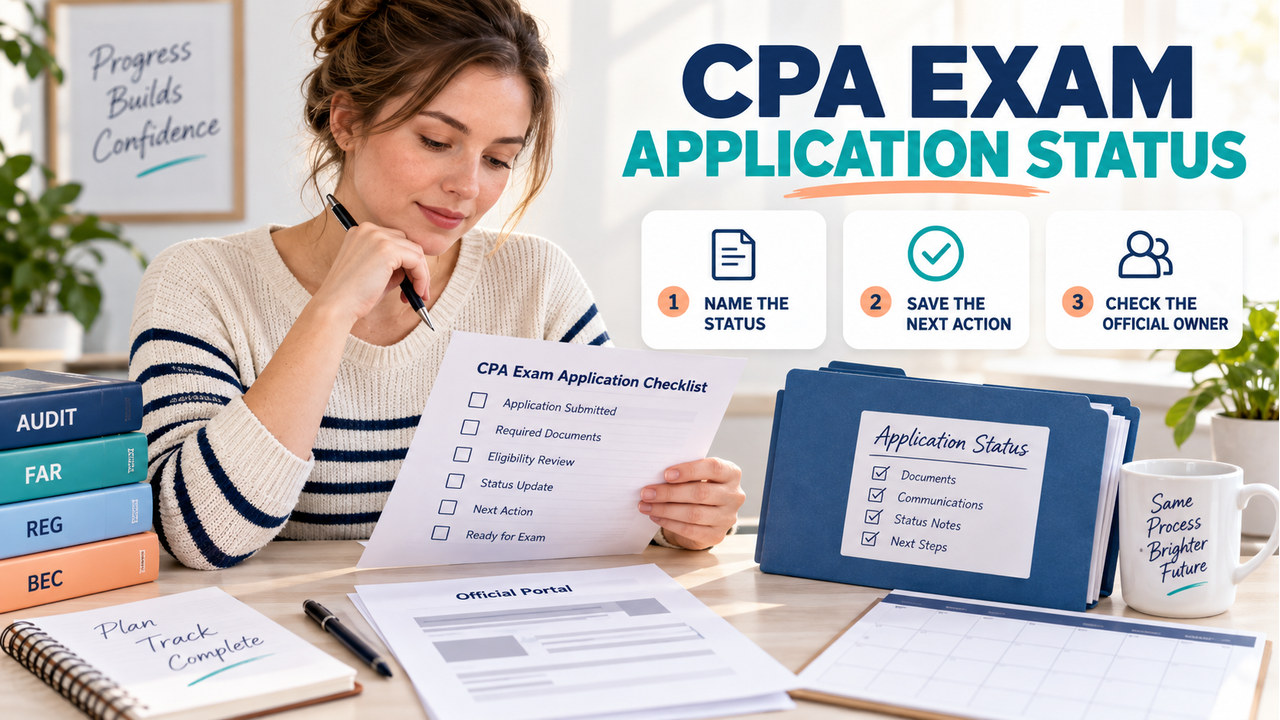

Short answer: to check cpa exam application status, start with the jurisdiction or CPAES route you used and its supported official status channel. Name the record you are viewing before you interpret it. An application, evaluation, NTS, Prometric appointment, and score record are related, but they are not interchangeable.
In practice, there is no universal processing clock or set of labels for every candidate. Record the exact status object, official source, last visible update, responsible owner, and action that belongs to you. This keeps a quiet application from being mistaken for a score or appointment problem.
For a broader preparation path, continue with our CPA Exam Study Guide.
CPA Exam Application Status: The Short Answer
According to NASBA, the jurisdiction you applied to determines the functionality available in the CPA Portal. For supported candidates, the portal can provide application status and history, exam-section history, and NTS viewing or printing. NASBA also describes its CPA Mobile App as supporting exam applications and status updates. These functions are route-dependent, so do not assume every candidate sees the same dashboard.
Next, use this order: identify the jurisdiction or CPAES route; open its official page or portal; match the dashboard to the submitted application; copy the exact status object; save the evidence; and identify the next-step owner. If you have not applied, the broad CPA Exam registration guide is the better starting point. This page is for locating and interpreting a specific cpa exam application status record.
Where to Check Your CPA Exam Application Status
1. Start with the jurisdiction. First, the board or other jurisdiction determines the eligibility and application route. AICPA directs questions about applications, eligibility, fees, jurisdictions, licensing, and general administration to NASBA’s CPA Central or the relevant official route. Start with an owner, not an unattributed search result.
2. Use the supported portal or status channel. For a supported route, open the NASBA CPA Portal through the official NASBA CPA Exam or CPA Portal page. NASBA says candidates should match the dashboard to the existing application and enter information exactly as submitted. Keep your original submission details private and do not place them in a public screenshot.
3. Name the object. Then, write whether you are viewing an application, evaluation, an eligibility or authorization term used by your route, NTS, appointment, score, or score notice. A note that only says still pending cannot choose a next action.
4. Save proof and stop at the owner boundary. Finally, keep the page, notice, or confirmation behind your note. Prometric is for test-center appointments; NASBA score information is for scores. Neither replaces the application record.
What Each CPA Exam Status Object Tells You
For context, the table is a reading aid, not a universal list of portal labels. Your route may use different words or expose only some records. Keep the object and its owner attached to every note.
| Status object | Where it may appear | What it proves | What it does not prove | Next action |
|---|---|---|---|---|
| Application | Jurisdiction, CPAES, or supported CPA Portal route | A submission exists in that route’s process | That every review step or later section request is complete | Check the route’s message, missing-item request, or owner |
| Evaluation | Credential or education evaluation workflow, where required | The evaluation stage has its own record | That an exam-section NTS has been issued | Follow the evaluation provider or jurisdiction instruction |
| Eligibility or authorization | Jurisdiction-specific language or route record | The route has recorded that step if it uses the term | That a Prometric appointment exists | Confirm whether the next step is an exam-section application or NTS |
| NTS | Applicable NASBA route or CPA Portal | An NTS record is available for the relevant exam-section process | That the application, every section, or an appointment is identical to it | Read the NTS instructions and schedule only through the permitted path |
| Appointment | Prometric scheduling record | A testing appointment is recorded for a location and time | That the application or score status is updated | Use Prometric for change, cancellation, or testing-center questions |
| Score or score notice | NASBA Candidate Portal or CPA Mobile App | A score-related event or notice is available | That the application is pending, complete, or ready for a new section | Use NASBA score instructions; do not use a score page to diagnose an application record |
How to Read a Status Without Guessing
To avoid confusion, use the two-clock rule. The processor’s clock belongs to the board, CPAES, NASBA, or another named owner while it reviews a submission. Your action clock starts when the route requests a document, correction, payment, identity match, exam-section choice, or appointment step. A status can remain unchanged while the first clock is running; follow up when the second clock contains an uncompleted instruction.
Next, read the record in six passes: copy the exact wording, name the object, record the last update, check for a missing action, identify the owner, and save evidence with a revisit reason. Do not convert a missing NTS into a failed application or an unchanged score notice into an application delay.
Why Your Status May Not Move Yet
In practice, a quiet record may reflect application review, education evaluation, information matching, a missing document, or limited portal functions for that jurisdiction. NASBA’s FAQ says to allow plenty of time for application or registration processing; that is not a universal deadline.
Therefore, check whether the official page lists a candidate action, whether your saved submission details match, and whether the question belongs to another object. If no action is shown, record when you checked and contact the named owner with the evidence. Keep personal IDs out of public forums.
Application Status vs. NTS, Appointment, and Score Status
Meanwhile, keep the boundaries visible. NASBA’s FAQ says you cannot schedule until receiving an NTS. The NTS is therefore a scheduling prerequisite in the applicable route, not a synonym for application status. A Prometric confirmation tells you about the booking, not whether every application review step is complete.
By contrast, score information is farther downstream. NASBA says a Failed status and score-notice availability are separate events, and a score notice may take time after release. That statement concerns the score notice, not application processing. If your question begins with an application submission, stay on the application or jurisdiction route.

Build a CPA Exam Status Log
For clarity, create one row for each status object rather than one note that mixes events. Use status object, official source, last update, what it proves, next action, and owner or contact route. Add a private proof location, but remove personal IDs before sharing any screenshot.
In other words, the log is a decision record. When Application says the submission exists but Evaluation is open, the next action belongs to the evaluation or jurisdiction owner. Once NTS is available, move to scheduling. When Appointment is the only changed row, ask Prometric about the booking. Portal labels may differ; the ownership logic still helps you ask a narrower question.

A Fictional Example: Maya’s Status Handoff
For example, Maya applies through a route that requires an education evaluation before an exam-section application. Her private log has three rows: Application — submitted — official route page — no missing action shown — route owner; Evaluation — pending — evaluation record — eligibility not yet established in this example — evaluation owner; and NTS — not issued — applicable CPA Portal route — no NTS record to schedule from — wait for the route’s next instruction. It uses no real ID and makes no claim about a universal number of days.
As a result, Maya does not ask Prometric why the application is pending, and she does not use the score page as application evidence. She checks for a route-requested action, saves the evidence, and contacts the owner only when the official instruction gives a reason. That is the two-clock rule.
When to Contact the Board, CPAES, NASBA, or Prometric
For eligibility questions, contact the jurisdiction or CPAES about eligibility, application documents, evaluation sequencing, or jurisdiction requirements. Portal questions belong with the NASBA route or CPA Portal support path about supported portal functions, NTS records, or application history. Appointment questions belong with Prometric about appointments, testing centers, cancellations, or appointment changes. Score questions belong with NASBA score information for score access. AICPA’s FAQ provides the same administration-versus-scheduling split.
When you contact an owner, include the exact object, page used, last update, and action already checked. If official pages conflict, pause the next payment or scheduling action and ask the named owner to reconcile them.
CPA Exam Application Status FAQ
Is there one universal CPA Exam application processing time?
No. In practice, the jurisdiction and route control the process. NASBA says to allow plenty of time; that is a caution, not a universal service-level promise.
Does an NTS prove that my application is complete?
More specifically, an NTS is a separate record for the applicable exam-section route. Use it for the permitted scheduling step, but do not assume it answers every application-status question.
Can I use Prometric to check my application status?
For appointment questions, use Prometric and testing-center questions. Application, eligibility, fees, and general administration questions belong with NASBA or the jurisdiction route.
Is a score status the same as an application status?
No. However, NASBA separates score status from score-notice availability, and neither is a substitute for the application record.
What to Do Next
To act now, open the official jurisdiction or CPAES route and make one private status-log row. Copy the exact object and last update, save the evidence, and write the next action with its owner. If the route names a missing step, complete it before searching for another label. Keep NTS, appointment, and score records in their own rows.
Sources and Update Log
Verified September 15, 2026. Finally, this guide was checked against the NASBA CPA Portal, NASBA CPA Exam FAQ, NASBA CPA Exam page, NASBA Score Information, the AICPA CPA Exam FAQ, the NASBA Candidate Guide, and the AICPA CPA Exam Blueprint resource. Review it when NASBA changes portal functions, a jurisdiction changes its route, AICPA changes responsibility guidance, Prometric changes appointment instructions, or the annual review is due.