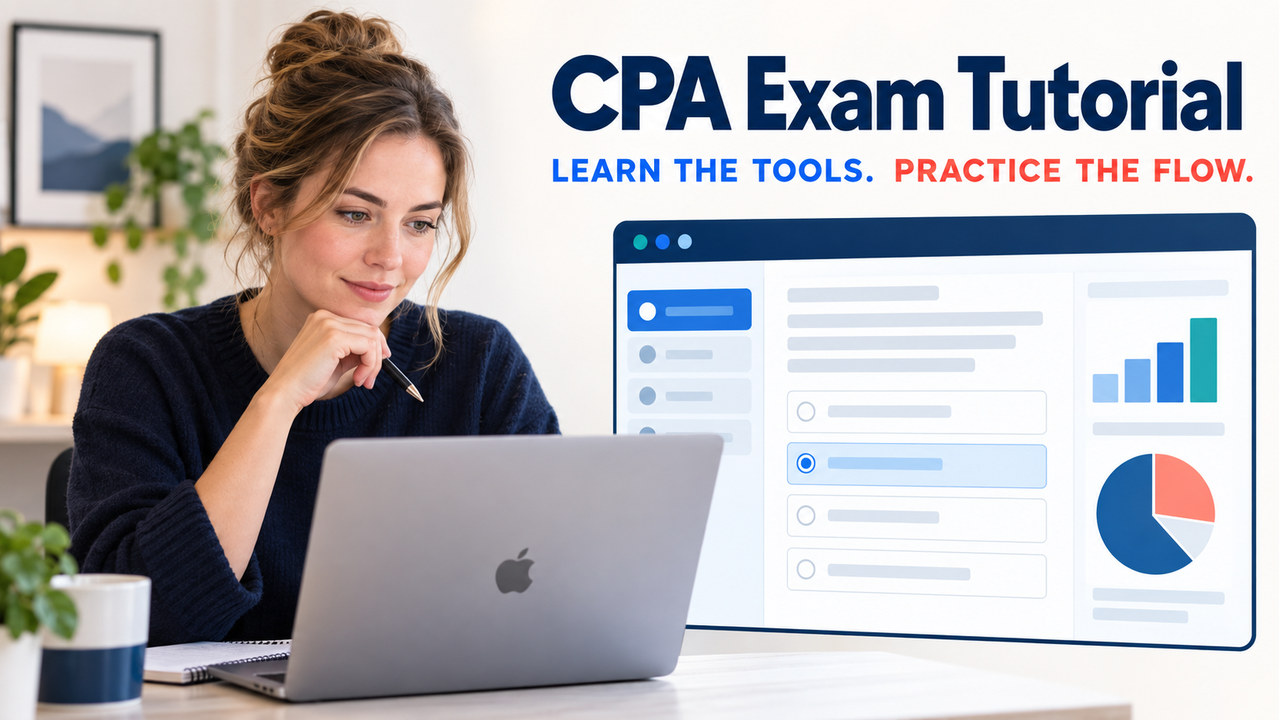

Quick answer: The cpa exam tutorial is the official software guidance and practice path that helps you learn navigation, tools, and the rhythm of a computer-based CPA Exam. Use the Help topics and the AICPA sample test to practice scrolling, highlighting, window controls, spreadsheets, and moving through testlets. Then record what slowed you down. The sample tool is shorter, not scored, and does not prove that you are ready for the real exam, so pair software practice with current content work and the official instructions for your appointment.
The best first session is not a marathon or a hunt for remembered questions. It is a controlled rehearsal with one tool, one realistic sequence, one friction point, and one next check. If you need the wider map of sections and testlets, see our CPA Exam format guide; this page stays focused on the tutorial and sample-software decision.
For a broader preparation path, continue with our CPA Exam Study Guide.
What Is the CPA Exam Tutorial?
The tutorial is the part of the official practice experience that explains how the testing software works. It is about actions such as selecting an answer, scrolling an exhibit, resizing or moving a window, using the highlight function, copying and pasting with standard shortcuts, and working with the spreadsheet application or four-function online calculator. Those mechanics deserve practice because a candidate should not spend a live testlet discovering where a tool is located.
The AICPA sample-test materials also expose tutorial topics through the Help button. That makes the Help area useful for targeted questions: how to move through a screen, what a control does, or where a function appears. Read the instruction, try the action, and repeat it once without looking. A tutorial explains the control; it does not teach the accounting, auditing, tax, or information-systems content that you still need to study.
The current CPA Exam has three Core sections—AUD, FAR, and REG—and one Discipline section chosen from BAR, ISC, or TCP. The shared software practice is relevant across the six section names, while section-specific content belongs in the current AICPA Blueprints. Keeping those jobs separate prevents a candidate from treating a familiar button as evidence of subject-matter mastery.
What Can You Practice in the Official Sample Test?
You can use the official sample test to practice format and functionality, not to obtain a readiness score. AICPA describes it as a shorter version of the exam software. Its practice set includes two multiple-choice testlets and three task-based simulation testlets, and the sample-test page says you have up to two hours to complete it. It is not scored and it is not a determination of readiness.
Start with the actions that create the most avoidable friction. Select and change an answer inside a testlet. Scroll through a long exhibit without losing the question. Highlight a sentence you need to remember. Resize or move a window so you can compare evidence. Use the spreadsheet or calculator for a small calculation, then return to the prompt. Practice copying and pasting with the standard shortcuts.
Do not assume the practice environment is identical in every technical detail. AICPA says the sample test is web-based and recommends a desktop HD monitor for a more realistic view, but it can work on most devices and operating systems. A context menu may appear when you right-click in the sample test even though that feature is not available at a Prometric center. Treat a browser quirk as a note to verify, not as a reason to invent a universal exam rule.

Use the visual as a workflow memory aid: open the official tool, learn the controls, run the shortened flow, and record the friction. It does not reproduce a protected live screen or promise that the sample content matches the current exam. The sample-test page labels its content current as of July 1, 2023, so confirm current boundaries in the Blueprint.
Tutorial, Sample Test, and Live Exam Introduction: What Is the Difference?
They answer different questions, so your notes should label them separately. The following grid is a study aid, not an official replacement for the AICPA or Prometric instructions.
| Resource | Best question | What it proves | Important limit |
|---|---|---|---|
| Help and tutorial topics | How does this control work? | You can explain and repeat a software action. | It does not measure section-content knowledge. |
| AICPA sample test | Can I move through a shortened exam-like flow? | You can rehearse navigation and common tools. | It is not scored, not a readiness test, and its sample content has an older stated date. |
| Live exam introduction | What does the test center require on the day? | You follow the current sponsor and center instructions. | Introductory screens are time-limited and are not a note-taking period. |
| Current Blueprint | What knowledge and skills should I study? | You can map topics, tasks, skill levels, and item context. | It is not a software tutorial or a guarantee of exact questions. |
Use the tutorial for controls, the sample test for flow, and the Blueprint for content.
How Should You Run a CPA Exam Tutorial Practice Session?
Run three short passes and give each pass one job. This keeps practice diagnostic instead of turning it into a vague “I used the sample test” claim.
Pass 1: learn the controls
Open the official practice tool and choose five actions: select an answer, scroll an exhibit, highlight a phrase, resize a window, and use the spreadsheet or calculator. Perform each action slowly, then repeat it without searching. If the practice screen includes a Help topic, read it before guessing.
Pass 2: rehearse the flow
Move through one multiple-choice block and one simulation block at a normal pace. Notice pauses, not a perfect practice score. If you switch among a prompt, exhibit, spreadsheet, and calculator, note the awkward sequence.
Pass 3: turn friction into a next action
Write a three-column friction log: symptom, likely cause, and next check. “I lost the exhibit” may mean you need a scrolling habit; “I could not find the calculation tool” may mean you need a second Help review; “I ran out of time” may be a content or pacing issue rather than a button issue. Run the smallest follow-up that tests the cause. This method is original study organization, not an official readiness formula.
Tutorial-Readiness Preflight
What am I practicing?
Practice software actions such as Help, scrolling, highlighting, window control, and the spreadsheet or calculator. Do not treat the tutorial as a content lesson or a bank of live questions.
What will I record?
Record the date, device and browser, the action that caused friction, the likely cause, and one small next check. A friction log is more useful than a vague note that the interface felt difficult.
What must I verify?
Verify the current AICPA sample-test page, the current Blueprint for content, and the Candidate Guide, Notice to Schedule, identification, and Prometric instructions for the appointment.
After the session, save the date, device and browser, tools practiced, one friction point, and one next action. On a Mac, the AICPA FAQ notes that Command-minus and Command-plus can change browser zoom in the sample test; on a Windows computer, the corresponding shortcuts use Control. The live center’s equipment and restrictions control the actual appointment, so treat shortcuts as practice notes rather than promises about test-day behavior.
What Should You Verify Before Test Day?
Verify the current official instructions, your appointment documents, and the center process separately. Prometric says candidates should review the Candidate Guide, bring the Notice to Schedule, and make sure the name on the primary photo identification matches the scheduling information. Its page also warns that introductory exam screens operate under time limits; if a limit is exceeded, the session can terminate and cannot be restarted. Read those screens carefully, but do not plan to take notes or leave the room during the introduction.
Confirm where the current tutorial and sample-test links live, then use the official tool shortly before your study session. Treat the delivery system, tutorial, and live content as confidential; do not screenshot, publish, record, or trade them.
If your accommodation, jurisdiction, appointment location, or testing platform creates a special condition, use the approval notice and current official support path. Do not let a provider’s old screenshot answer a question owned by the sponsor or test center. Record the uncertainty and the official page you checked.
Can a Tutorial Tell You If You Are Ready?
No. A tutorial can show that you are more comfortable with the software; it cannot certify content readiness. Use separate evidence for the separate risks. For content, work from the current Blueprint and track whether you can explain, calculate, analyze, or evaluate the required task. For timing, complete fresh practice under a deliberate time budget. For software, repeat the five control actions until you can use them without interrupting your reasoning.
A useful readiness note has three lines: “software action I can repeat,” “content task I can demonstrate,” and “uncertainty I still need to verify.” Use the weak line to choose the next small practice action instead of repeating the whole sample test.
CPA Exam Tutorial FAQ
Where can I find the official CPA Exam tutorial?
Start with the AICPA CPA Exam Sample Test and its Help topics, then use the official AICPA and Prometric CPA pages for the current access path. Check the official source again before your appointment.
Is the sample test the same as a full CPA Exam section?
No. AICPA describes the sample test as a shorter practice tool that uses the exam software experience. It includes two MCQ testlets and three TBS testlets, but it is not a complete section and does not by itself determine readiness.
Does the sample test give me a score?
No. The sample test is not scored. Use it to record software friction and practice the flow; use separate, current content practice to evaluate your knowledge and skills.
Can I practice the tutorial on a Mac?
Yes, it is web-based and works on most devices and operating systems, but the live center controls test-day behavior. AICPA notes that Mac users can use Command-minus and Command-plus for browser zoom in the sample test. Practice on a desktop HD monitor when possible, and do not assume every shortcut or context-menu behavior will be available at Prometric.
What if the tutorial or sample screen looks different from an old guide?
Use the current official source and the live instructions as the authority. The AICPA sample content is labeled current as of July 1, 2023, and Prometric says introductory screens are time-limited. Record the difference, check the current Candidate Guide or official support page, and avoid copying or sharing protected exam screens.
Key Takeaway
The cpa exam tutorial is most valuable when you use it for one specific job: remove software uncertainty before it competes with your exam reasoning. Learn the controls, rehearse a shortened flow, record friction, and verify the current instructions. Let the Blueprint and fresh content practice answer the separate question of whether you are ready for the subject matter.
Official references: AICPA CPA Exam FAQ, AICPA Sample Tests, AICPA CPA Exam Blueprints, Prometric CPA, and Prometric Test Center Policies.