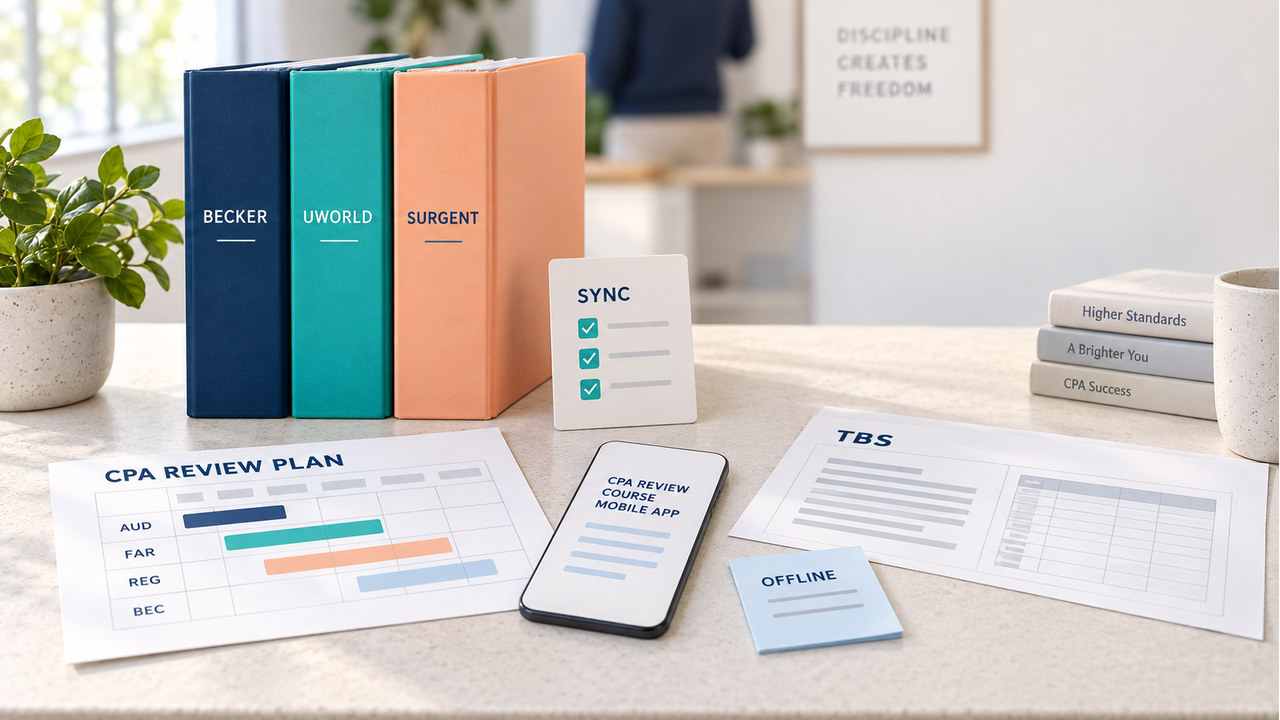

Quick answer: The best cpa review course mobile app depends on what must survive the move away from your desk. Becker emphasizes Apple and Android app access with progress syncing between computer and mobile devices. UWorld presents broad mobile access to course materials, practice questions, TBS work, explanations, and cross-device sync, with offline viewing for at least some downloaded lecture content. Surgent’s Study Companion App is built around short sessions, flashcards, bite-sized videos, quick references, and integrated progress.
That means there is no useful winner from the app badge alone. Choose Becker first when you want a familiar course carried across devices and a defined desktop-to-mobile handoff. Test UWorld first when you want to do more of the full practice loop on a phone or tablet. Test Surgent first when two-to-ten-minute sessions and adaptive “still learning” feedback fit your schedule. Verify package access, TBS depth, downloads, and current operating-system requirements before paying.
This comparison uses official vendor pages checked September 18, 2026. It does not claim personal access to every paid account, and it does not treat a vendor feature list as a hands-on product review. If affiliate links are added later, add a visible disclosure before publication. The method below gives you a fair way to test the same study job in each available trial or demo.
For a broader preparation path, continue with our CPA Exam Study Guide.
How to compare a cpa review course mobile app
Start with the study job you need to complete, not the device icon shown on a sales page. Use the same six fields for Becker, UWorld, and Surgent: device access, continuity and sync, mobile study units, offline behavior, feedback and controls, and the boundary between the app and the purchased course. “Published” means the provider states the feature on a current page. “Verify” means the answer depends on your plan, account, device, or live app version.
| Provider | Published mobile signal | Best test on mobile | Verify before purchase |
|---|---|---|---|
| Becker | Apple and Android app access; progress described as syncing between computer and mobile devices. | Start a lesson on desktop, continue a short practice set on mobile, then return to the same progress state. | Selected tier, exact mobile content, download behavior, device requirements, and whether TBS controls feel complete on the small screen. |
| UWorld | iOS and Android app with course materials, MCQs, TBS practice, explanations, flashcards, sync, and advertised offline lecture viewing. | Run a question or TBS, open the rationale, and test whether the evidence path remains usable on a phone or tablet. | Package and section access, download limits, sync timing, offline restrictions, and the current app version. |
| Surgent | Study Companion App on iOS and Android; two-to-ten-minute sessions with flashcards, bite-sized videos, quick references, and integrated progress. | Complete a timed short session, mark “Still learning” or “Got it,” and see whether the next action is clear. | Full-course reading, long TBS work, offline downloads, explanation depth, and which features are included in the selected Exam Review course. |

What Becker, UWorld, and Surgent offer on mobile
All three vendors make mobile study part of their current CPA review story, but they emphasize different units of work. Treat that difference as a design choice, not as proof that one app is universally better. A phone session that is excellent for review may be awkward for a multi-exhibit simulation; a small flashcard session may be exactly right when your alternative is no study at all.
Becker: continuity between a full course and a mobile session
Becker’s mobile-app page says candidates can use the app on Apple and Android smartphones or tablets, sign in with Becker credentials, and synchronize progress between computer and mobile devices. That makes the first test straightforward: begin a lesson or question set on the larger screen, leave it at a known point, open the mobile app, and see whether the next session starts where you expect.
Becker fits a learner who wants mobile access to support a broader course routine rather than replace the main desk study block. The important boundary is not whether an app exists; it is whether the exact content you care about behaves well on your device. Test a reading page, a timed question set, and one TBS or simulation if your trial exposes it. Record whether exhibits, response fields, explanations, and review controls remain practical without zooming or repeated loading.
UWorld: a broader mobile practice loop with an offline question
UWorld’s current mobile page describes access on iPhone, iPad, Android, and other mobile devices. It presents the app as a way to reach course materials, practice questions, TBS work, flashcards, explanations, and progress across devices. UWorld also advertises downloading lecture content for offline viewing. Because limits and package entitlements can change, treat “offline” as a test case rather than a permanent promise: download one allowed item, switch to airplane mode, open it, and then reconnect to confirm how completion and sync are handled.
UWorld is the most natural first test when your mobile goal is more than passive video. Try a question, open the detailed rationale, move through any exhibits or tabs, and inspect whether the feedback explains the decision process. For a TBS, a narrow screen can turn a content problem into a navigation problem. If the mobile layout makes evidence comparison slow or hides a control you use often, keep long simulations on desktop even if short practice works well on the app.
Surgent: short, integrated sessions for fragmented study time
Surgent’s Study Companion App page says the app is included with Exam Review courses and is available through the iOS or Android app stores. After signing in with Exam Review portal credentials, the learner can start two-to-ten-minute sessions, choose flashcards or videos, use quick references, and mark content as “Still learning” or “Got it.” Surgent says the progress is integrated with the Exam Review course, so the app is positioned as a companion to the wider adaptive study system.
That design fits a candidate who has many small gaps in the day and needs a clear micro-action. It does not automatically answer whether you can read the full course, complete a long TBS, or study offline. Test those boundaries separately. If the app helps you turn a five-minute wait into a useful review decision, that is a real advantage; if your main need is deep exhibit work, the companion app may be only one part of the solution.
A five-step cpa review course mobile app trial
Use the same phone or tablet, the same network conditions, and a similar topic in every available trial or demo. Do not compare a provider’s polished app tour with another provider’s live question. The goal is to observe the complete handoff from assignment to next action.
- Set the study job: choose one concrete task, such as ten MCQs, a short lecture, a flashcard review, or one TBS. Write down the section and target time before opening an app.
- Check the handoff: start on desktop if the provider supports it, leave at a known point, and continue on mobile. Record login friction, saved position, sync delay, and whether the next action is obvious.
- Test the smallest useful unit: complete one short session without relying on a marketing demo. Check font size, scrolling, audio controls, answer entry, exhibits, explanations, and the route back to your plan.
- Test the offline boundary: if downloads are advertised, download an allowed item, go offline, complete part of it, reconnect, and verify what synced. If the provider is silent, write “not confirmed” instead of assuming offline access.
- Record the next action: decide whether mobile should handle review, lectures, MCQs, TBS, or only planning. The right app is the one that leaves you with a usable next step, not merely a successful install.

Which mobile study pattern fits you?
Use the trial result to match the tool to your schedule and error pattern.
If you need a cpa review course mobile app for short sessions
Start with the provider whose smallest study unit is clear and easy to finish. Surgent’s stated two-to-ten-minute companion sessions are a direct fit for fragmented time. UWorld flashcards, explanations, and short quizzes may fit the same pattern. Becker can fit when you already have a full course routine and want continuity between a desk session and a quick review. In every case, ask whether the session changes what you should do next.
If you need mobile TBS practice
Prioritize evidence handling over the app label. Open a simulation, inspect tabs and exhibits, enter a response, review the explanation, and repeat a targeted part. UWorld’s published mobile description is the clearest starting point for a broad mobile practice test, but the selected tier and live layout still control the outcome. Becker or Surgent may remain better for your overall course while desktop handles the most complex simulations.
If you study where internet access is unreliable
Only count offline access after a real reconnect test. UWorld explicitly describes offline lecture viewing in its current mobile materials. Becker and Surgent pages checked here do not establish the same universal offline boundary for all course content. Download limits, expiration behavior, audio availability, and progress syncing can differ by content type, so record each one separately.
If cross-device continuity matters most
Run the same handoff test twice: desktop to mobile and mobile to desktop. Becker and UWorld describe progress synchronization, while Surgent describes integrated progress from its companion sessions into Exam Review. Compare not only whether a score appears, but whether the course restores the exact assignment, review state, notes, and next recommendation you need.
Mobile boundaries to verify before paying
Mobile marketing pages often compress several different promises into “study anywhere.” Separate them before you compare price or access. First, check whether “mobile access” means the full course, a companion app, or a selected collection of flashcards and videos. Second, check whether a TBS is merely viewable or actually practical to solve with exhibits, response fields, and explanations. Third, check whether offline mode applies to video only, to reading, to questions, or to all saved progress. Fourth, check whether your current package includes every section you plan to take.
Also verify account rules, access duration, trial limits, current iOS and Android support, simultaneous-device restrictions, accessibility settings, and what happens after a course expires. These are purchase conditions, not small technical details. If a provider page is silent, label the field “verify” in your comparison log. A transparent unknown is more useful than a confident but outdated feature claim.
FAQ: cpa review course mobile app
Which CPA review course has the best mobile app?
There is no universal answer. Becker is a reasonable first test for desktop-to-mobile continuity, UWorld for a broader mobile practice loop, and Surgent for short integrated sessions. Your result should come from the study job you actually need to complete and the current package you can buy.
Can I study for the CPA Exam entirely on a phone?
You may be able to complete many review activities on a phone, but “entirely” is a stronger claim than most feature pages establish. Test long readings, multi-exhibit TBSs, research, notes, and timed sessions on your own device. Keep a larger screen available when the mobile layout slows evidence comparison or response entry.
Does mobile progress sync automatically?
Becker and UWorld describe cross-device synchronization, and Surgent describes progress integration between its companion app and Exam Review course. The exact timing and fields can vary. Perform one desktop-to-mobile and one mobile-to-desktop handoff before you treat sync as reliable.
Which app works offline?
UWorld’s current mobile materials describe downloading lecture content for offline viewing. The Becker and Surgent pages checked here do not establish an equivalent all-content offline rule. Confirm the current app, download limits, reconnect behavior, and package terms before choosing a course for low-connectivity study.
Sources and refresh note for cpa review course mobile app
Official provider pages checked September 18, 2026: Becker CPA Review mobile app, Becker getting started, and Becker CPA Review; UWorld mobile app, UWorld CPA Review, and UWorld video lectures; Surgent Study Companion App and Surgent CPA Exam Review. Reopen the selected package, app listing, trial, price, access period, download limits, and operating-system requirements before publication. This draft contains no affiliate links; add a visible disclosure if that changes.